How to find sold-out clothes and choose an alternative
For sold-out clothes, save the retailer's product name, item code, colour and size before looking elsewhere. Search those identifiers first. If the original remains unavailable, choose the details you want to preserve and compare alternatives against a total budget rather than chasing the same image indefinitely.
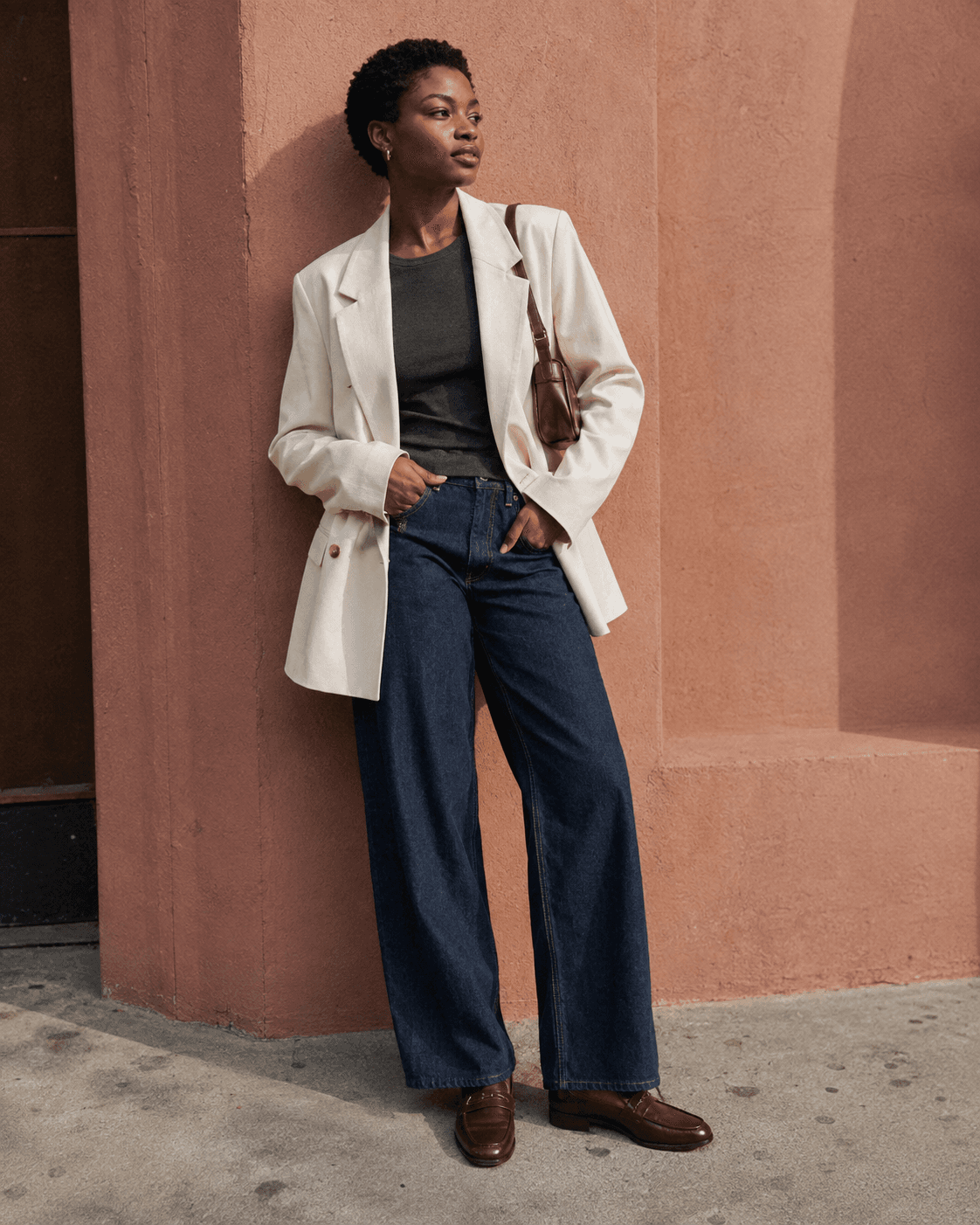
Keep the useful parts of the unavailable listing
Copy the product link, exact name, item code and colour description into a note. Keep the size chart and material description if accessible. A screenshot saying sold out is less useful than these identifiers when the page later disappears. Note which size and colour you actually wanted, since another variant may remain listed.
Distinguish an unavailable size from a discontinued design. If the retailer provides a restock option, read what it actually promises. A notification request is not an order or a guarantee that your size will return.
Search the identifier, then the design
Start with brand and item code together. Next try the full product name with the colour, then shorter combinations. A resale seller may omit punctuation or use a general title, so a failed exact-text search does not establish that no listing exists.
When the name is uncertain, use the clearest image to investigate. Google's image-search guidance explains uploading an image; treat the results as leads. Verify any promising listing against the original's seams, pockets, closures and product information.
Watch for a different season or variant
A familiar product name can conceal a different fabric, length or fastening. Compare label information and photographs rather than accepting the title alone. Ask a resale seller about alterations and actual measurements, particularly if you planned to buy a different size and have it adjusted.
Keep uncertainty explicit. An exact colour name on an old page is useful evidence; a photograph taken under different lighting is not enough to settle the shade. If colour is essential, ask what additional photograph or label detail could resolve the question.
Set a stopping rule and a useful alternative brief
Choose two or three essential features and one flexible feature. For example: a short cream jacket with a rounded collar, while the button colour can change. Search that brief instead of expecting a substitute to reproduce every detail. Compare the silhouette with clothes you already wear, not only with the styled campaign photo.
Set your maximum delivered cost before paying a scarcity premium. Include necessary repairs or quoted alterations and check the return terms. If the original exceeds that limit or needs unanswered work, save your search note and pause. Buying a near-match you dislike is not progress.
Decide which differences matter in an alternative
Check whether the alternative stays cheaper after alterations
Common questions
Does an old product page mean I can still order the item?
No. Search results and saved pages can outlast stock. Open the current seller's page, select the exact variant and check its status. A result showing the right photograph is not proof that checkout or delivery is available.
Should I buy a different size because it is the only one left?
Compare actual measurements and get advice on any proposed alteration before deciding. Changing a size can affect proportions, pockets and construction. If the necessary work is uncertain, waiting or choosing another design may be the better decision.
Is a similar piece the same as a restock?
No. A restock brings back the identified product, while a similar piece is a different garment sharing some of its features. Check the product code, colour and construction before treating a new listing as the original returning to sale.