Choosing a photo for a clothing search
Choose a clear image where the piece’s shape and construction are visible. Keep a full-outfit reference, then make a separate crop for the item you want to investigate.
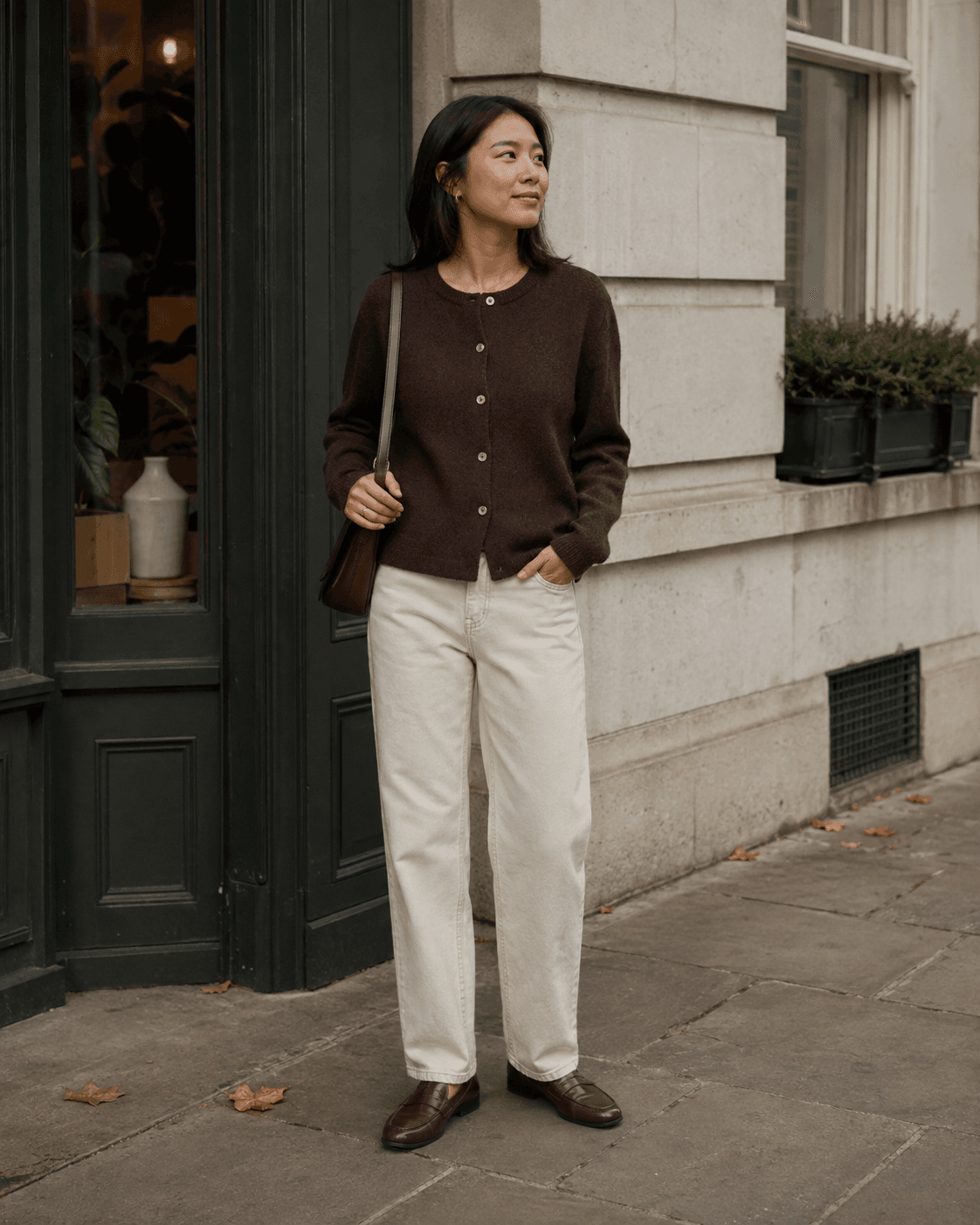
Keep the useful edges
A garment’s outline can be as useful as its colour. Include the shoulders, cuffs and hem of a jacket, or the waistband and leg opening of trousers. For a bag, include the handle and fastening rather than cropping down to a patch of leather.
Our cardigan illustration shows why this helps: a close-up of brown knit gives you texture, while the full portrait also gives you the cardigan’s length, front opening and relaxed fit. Both views answer different questions. They are illustrative examples, not results from a live Fit Finder search.
Prefer a still frame with visible detail
If a video gives you several options, compare the frames before you crop. A sharper frame may reveal buttons or a pocket that disappears in motion blur. If an arm or bag covers the garment, look for another moment or angle.
Do not enlarge a tiny screenshot and assume the added size contains new detail. Keep the highest-quality version you can access, and use the original post’s product credits when they are available.
Separate observation from inference
Write down what you can actually see: a dark cardigan, a V neckline, contrasting buttons, a ribbed hem. Treat material, brand and precise colour as things to check. Lighting can make espresso brown appear almost black, and texture alone does not establish wool, cotton or a blend.
For a text search, begin with the clearest details. Add a more specific term only when the image supports it. If the results are too narrow, remove the least certain descriptor first.
Keep context alongside the crop
Save your original image, the focused crop and the source link together. The wider outfit can help you decide whether you liked the garment itself or the way it was styled.
Before uploading a personal photo to any service, check what is included and how that service handles uploads. Crop away unrelated personal details. Fit Finder’s current website uses a prepared demo; it does not accept photos or access your camera.